
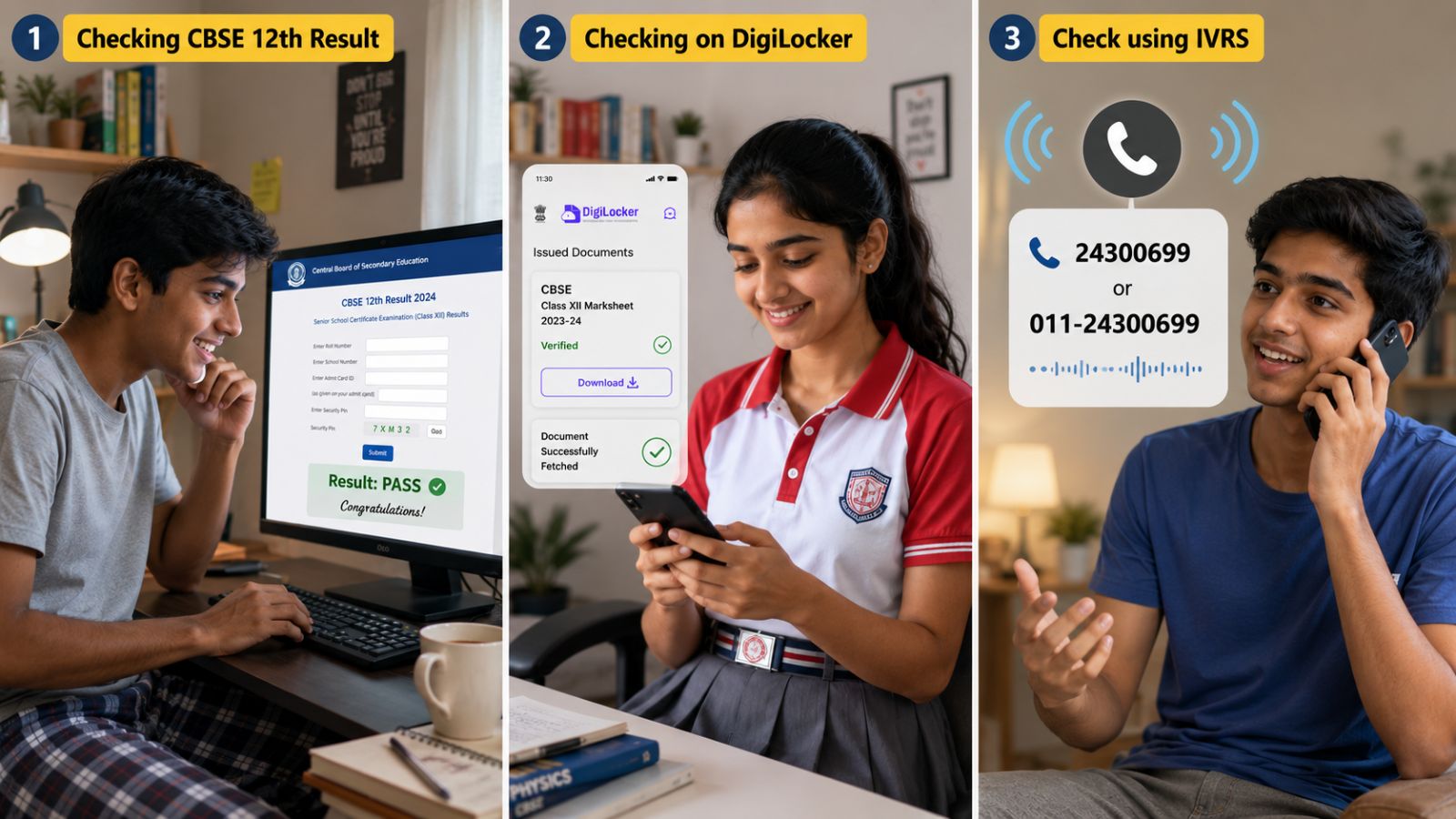
Close Menu
  • Home
  • Education
  • Health
  • National News
  • Politics
  • Relationship & Wellness
  • World News
What's Hot

Ambala triple murder caught on camera: Man chases, guns down brother, uncle, grandmother over property dispute

May 25, 2026

Security guard dies after man beats, drives SUV over him in West Delhi

May 25, 2026

Weeks before FIFA World Cup 2026, Lionel Messi suffers injury scare — all you need to know

May 25, 2026
Facebook X (Twitter) Instagram
Facebook X (Twitter) Instagram YouTube
Global News Bulletin
SUBSCRIBE
  • Home
  • Education
  • Health
  • National News
  • Politics
  • Relationship & Wellness
  • World News
Global News Bulletin
Home»National News»CBSE Class 12th Result 2026 Out: How to use IVRS, DigiLocker, cbseresults.nic.in, Umang to download marks?
National News

CBSE Class 12th Result 2026 Out: How to use IVRS, DigiLocker, cbseresults.nic.in, Umang to download marks?

editorialBy editorialMay 15, 2026No Comments4 Mins Read
Facebook Twitter Pinterest LinkedIn Tumblr Email Telegram Copy Link
CBSE Class 12th Result 2026 Out: How to use IVRS, DigiLocker, cbseresults.nic.in, Umang to download marks?
Share
Facebook Twitter LinkedIn Pinterest Email Copy Link

CBSE class 12 results 2026: The Central Board of Secondary Education (CBSE) declared the Class 12 results for the 2026 board examinations on May 13. The students who appeared for CBSE’s AISSCE (12th) exams can access their scorecards through the official website of the CBSE board and its related result portals at cbse.gov.in, cbseresults.nic.in, results.cbse.nic.in.

Apart from the websites, the board will also make digital marksheets available through DigiLocker and the UMANG app. Students may also access results through the IVRS (Interactive Voice Response System) facility. For more information on CBSE results, supplementary exam schedule, and rechecking, click here.

CBSE 12th Result 2026: How to check at cbseresults.nic.in, results.cbse.nic.in

Students can follow the step-by-step guide below to access their CBSE Class 12 results online through the official websites

Step 1: Visit the official websites through cbse.gov.in, or cbseresults.nic.in

Step 2: Click on the link that reads ‘CBSE Class 12 Result 2026’ or ‘Senior School Certificate Examination (Class XII) Results 2026’

Step 3: Enter the required login credentials including roll number, school number, admit card ID, and date of birth

Step 4: Click on the ‘Submit’ or ‘View Result’ button

Step 5: The CBSE Class 12 result 2026 will appear on the screen

Story continues below this ad

Step 6: Download and save the provisional marksheet for future reference
CBSE-12th-Digilocker-2026

CBSE also provides digitally verified marksheets, migration certificates, and passing certificates through DigiLocker. Here’s how students can access them.

CBSE 12th Result 2026: How to check results on DigiLocker

Step 1: Visit DigiLocker portal or open the DigiLocker mobile app

Step 2: Sign in using your registered mobile number or Aadhaar-linked credentials

Step 3: Navigate to the “Education” or “Issued Documents” section

Story continues below this ad

Step 4: Select Central Board of Secondary Education from the list of boards

Step 5: Click on “CBSE Class XII Marksheet 2026”

Step 6: Enter details such as roll number, school number, and admit card ID

Step 7: Submit the information to access and download the digital marksheet
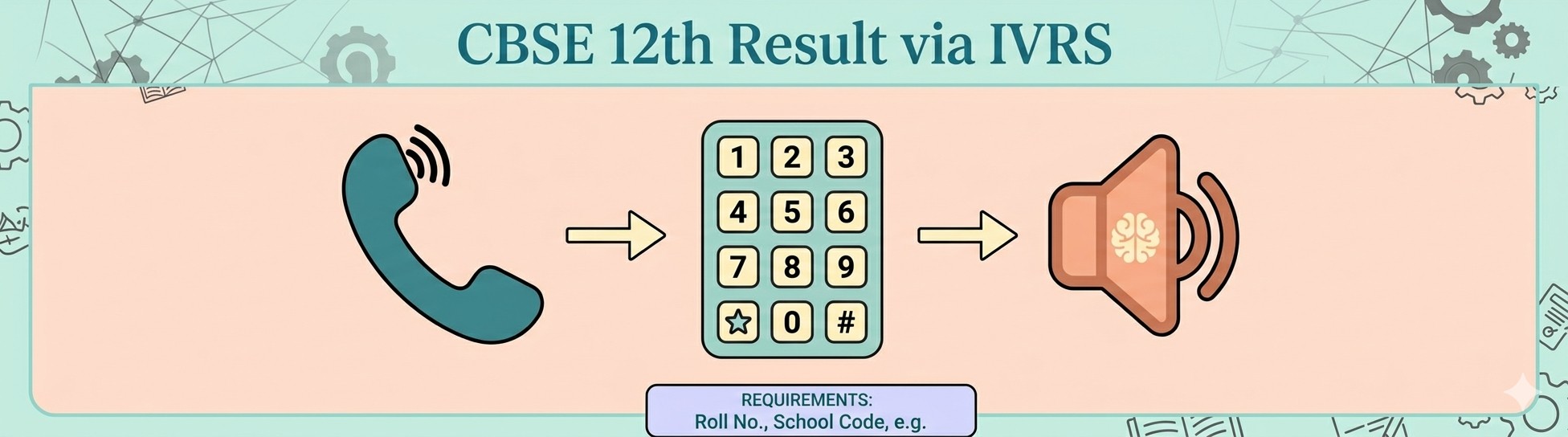
CBSE 12th Result IVRS

What is IVRS and how to check CBSE results through it?

IVRS, or Interactive Voice Response System, allows students to receive their board examination results through a phone call service. This facility is especially useful during heavy website traffic or internet issues. Students can check their CBSE Class 12 results through IVRS by following these steps —

Story continues below this ad

Step 1: Dial the designated CBSE IVRS number for your region activated by the board. Or alternately check for the number ‘011‑24300699’.

Step 2: Follow the automated voice instructions carefully

Step 3: Enter your roll number and other required details using the phone keypad

Step 4: The system will announce your subject-wise marks and result status over the call

Students are advised to keep their admit cards ready before using the IVRS service.
CBSE 12th UMANG 2026

Story continues below this ad

How to check CBSE Class 12 Result 2026 on UMANG app

The UMANG app also allows students to access their results and digital academic documents in one place.

Step 1: Download the UMANG App from Google Play Store or Apple App Store

Step 2: Register using your mobile number and create an account if you are a new user

Step 3: Log in and search for “CBSE” in the services section

Step 4: Select “CBSE Class 12 Result 2026”

Step 5: Enter your roll number and other required credentials

Step 6: Submit the details to view your result

Step 7: Download and save the marksheet for future use

Story continues below this ad

After the declaration of results, respective schools will distribute the original hard-copy marksheets and certificates to students in due course. Students are advised to preserve both digital and physical copies carefully for future admission, scholarship, and employment-related purposes.

Follow on Google News Follow on Flipboard
Share. Facebook Twitter Pinterest LinkedIn Tumblr Email
Previous ArticleAnother 200 bites the dust: PBKS captain Shreyas Iyer on wrong side of unwanted IPL record after MI defeat
Next Article ‘Enemy within’ strategy: NIA reveals Pakistan’s plan to push Ghazwa-e-Hind through ‘doctor-terror’ module
editorial
  • Website

Related Posts

Security guard dies after man beats, drives SUV over him in West Delhi

May 25, 2026

BJP minority panel chief urges Muslims not to slaughter cow on Bakrid

May 25, 2026

Second term for B Y Vijayendra as Karnataka BJP chief? Nitin Nabin’s visit triggers speculation

May 25, 2026

CM announces Rs 5 lakh ex gratia: 8 of family swept away while collecting mussels in Karnataka river

May 25, 2026

Days after breakthrough in Ladakh talks, panel member says: ‘Avoid unnecessary excitement, undue pessimism’

May 25, 2026

From Pir Panjal to Imphal: Officer shaped by insurgencies is Centre’s pick for Manipur’s new police chief

May 25, 2026
Add A Comment
Leave A Reply Cancel Reply

Economy News

Ambala triple murder caught on camera: Man chases, guns down brother, uncle, grandmother over property dispute

By editorialMay 25, 2026

22-year-old allegedly shot his elder brother, grandmother, and uncle dead, critically injuring his aunt.22-year-old allegedly…

Security guard dies after man beats, drives SUV over him in West Delhi

May 25, 2026

Weeks before FIFA World Cup 2026, Lionel Messi suffers injury scare — all you need to know

May 25, 2026
Top Trending

Ambala triple murder caught on camera: Man chases, guns down brother, uncle, grandmother over property dispute

By editorialMay 25, 2026

22-year-old allegedly shot his elder brother, grandmother, and uncle dead, critically injuring…

Security guard dies after man beats, drives SUV over him in West Delhi

By editorialMay 25, 2026

3 min readNew DelhiUpdated: May 25, 2026 05:09 AM IST Around 4…

Weeks before FIFA World Cup 2026, Lionel Messi suffers injury scare — all you need to know

By editorialMay 25, 2026

Lionel Messi. Image via: Leonardo Fernandez/ Getty Images NEW DELHI: Lionel Messi…

Subscribe to News

Get the latest sports news from NewsSite about world, sports and politics.

Facebook X (Twitter) Instagram YouTube

News

  • Education
  • Health
  • National News
  • Relationship & Wellness
  • World News
  • Politics

Company

  • Information
  • Advertising
  • Classified Ads
  • Contact Info
  • Do Not Sell Data
  • GDPR Policy
  • Media Kits

Services

  • Subscriptions
  • Customer Support
  • Bulk Packages
  • Newsletters
  • Sponsored News
  • Work With Us

Subscribe to Updates

Get the latest creative news from FooBar about art, design and business.

© Copyright Global News Bulletin.
  • Privacy Policy
  • Terms
  • Accessibility
  • Website Developed by Plenary Media Solution

Type above and press Enter to search. Press Esc to cancel.